Command Bar
Press Cmd/Ctrl+L to search terminal actions, workspace commands, file commands, and reusable macros without leaving the keyboard.
Desktop terminal workspace
Native shells, files, and agents in one calm window.
What is new
Press Cmd/Ctrl+L to search terminal actions, workspace commands, file commands, and reusable macros without leaving the keyboard.
Give each project a root folder, file explorer state, color, and short icon so busy workspaces stay readable.
Press Cmd/Ctrl+0 for every project, tab, and agent in the workspace, sorted by what needs you, what is working, and what is done.
Schedule commands with cron, or fire them when an agent finishes, a terminal needs attention, or a remote device connects. Runs are logged with their output.
Build multi-step macros with prompts, waits, clipboard paste, key presses, and encrypted secret insertion.
Capture terminal sessions as local asciicast v3 files, then replay, search, reveal, or delete them from the timeline.
Tune shell behavior, recordings, themes, Tab Theme Hue colors, shortcuts, scrolling, accessibility, and remote host options from one searchable settings window.
Browse folders, open file and folder tabs, preview media and markdown, inspect Git diffs, and save edits next to terminals.
Pair a browser with a one-time link, then reopen its stable session origin with device-key authentication over WebRTC.
Install the Terminay MCP server for Claude Code, Codex, and other agent CLIs so they can read output, open splits, run commands, and manage automations in their own workspace, with permissions you set.
Agents and scripts can show a sandboxed, interactive HTML window inside their terminal, such as a chart, a form, or an MCP App, and hear back when you press a button in it.
Screenshots
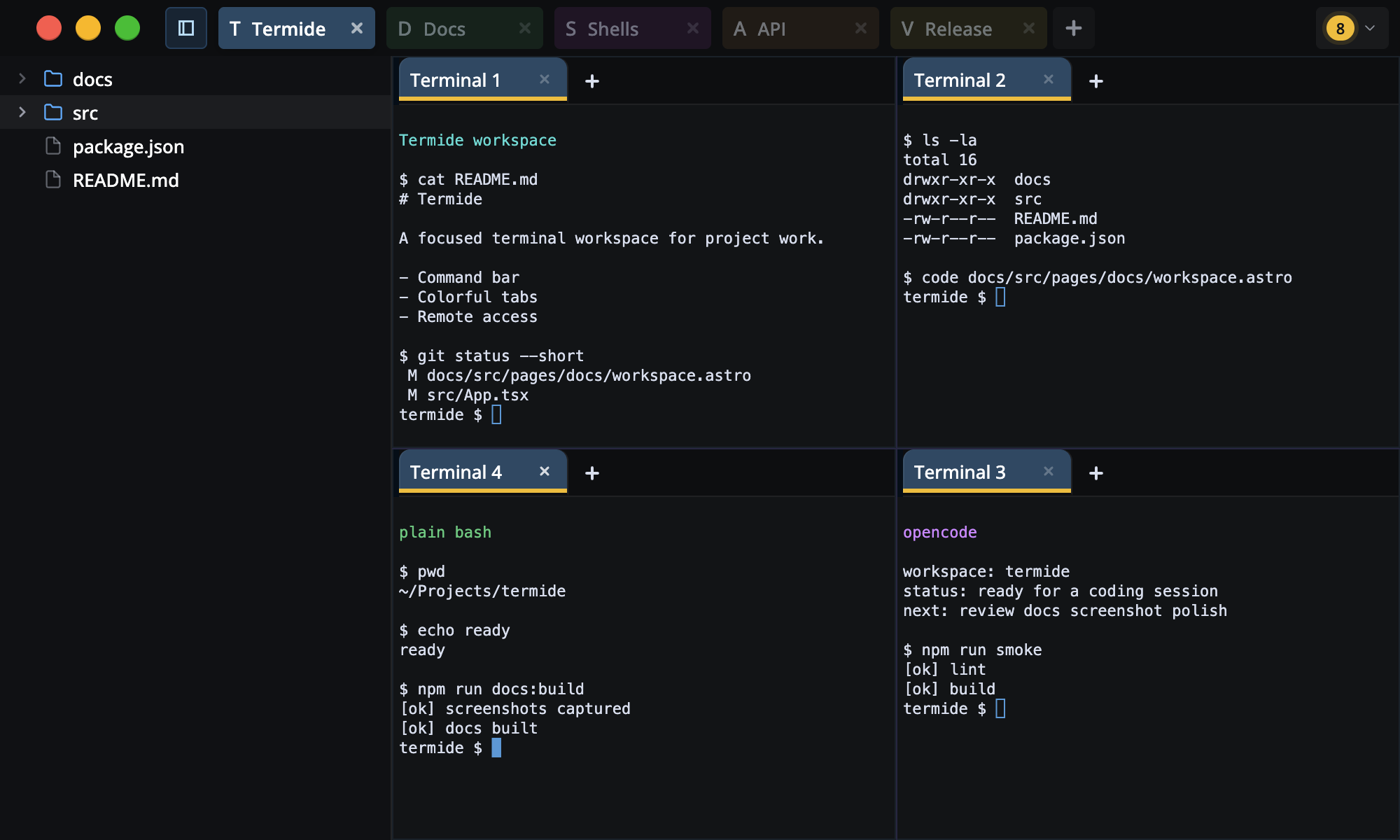
Organize projects with colored tabs, root folders, file explorer state, and docked terminal layouts.
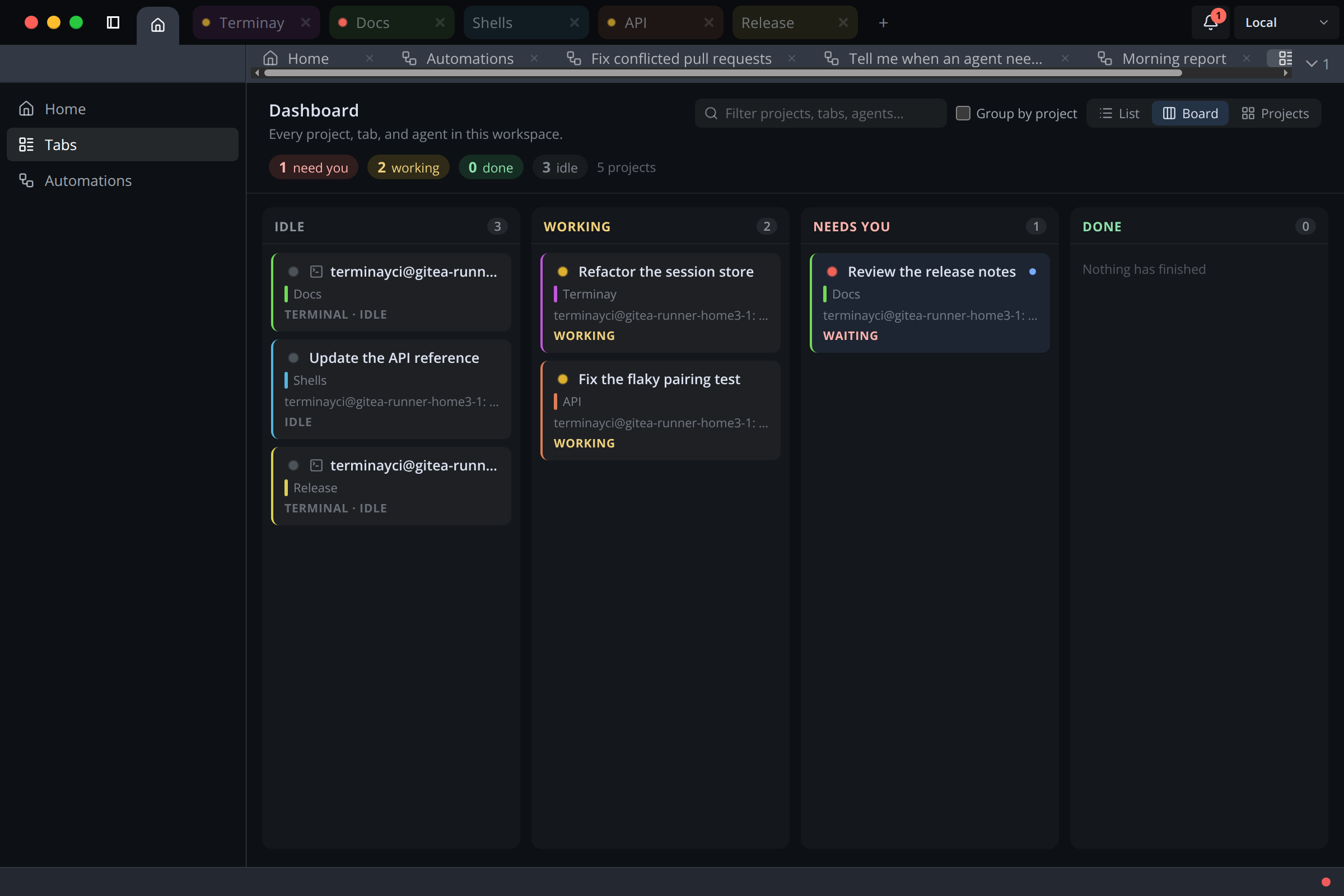
See every project, tab, and agent in one place, as a list, a board, or project cards.
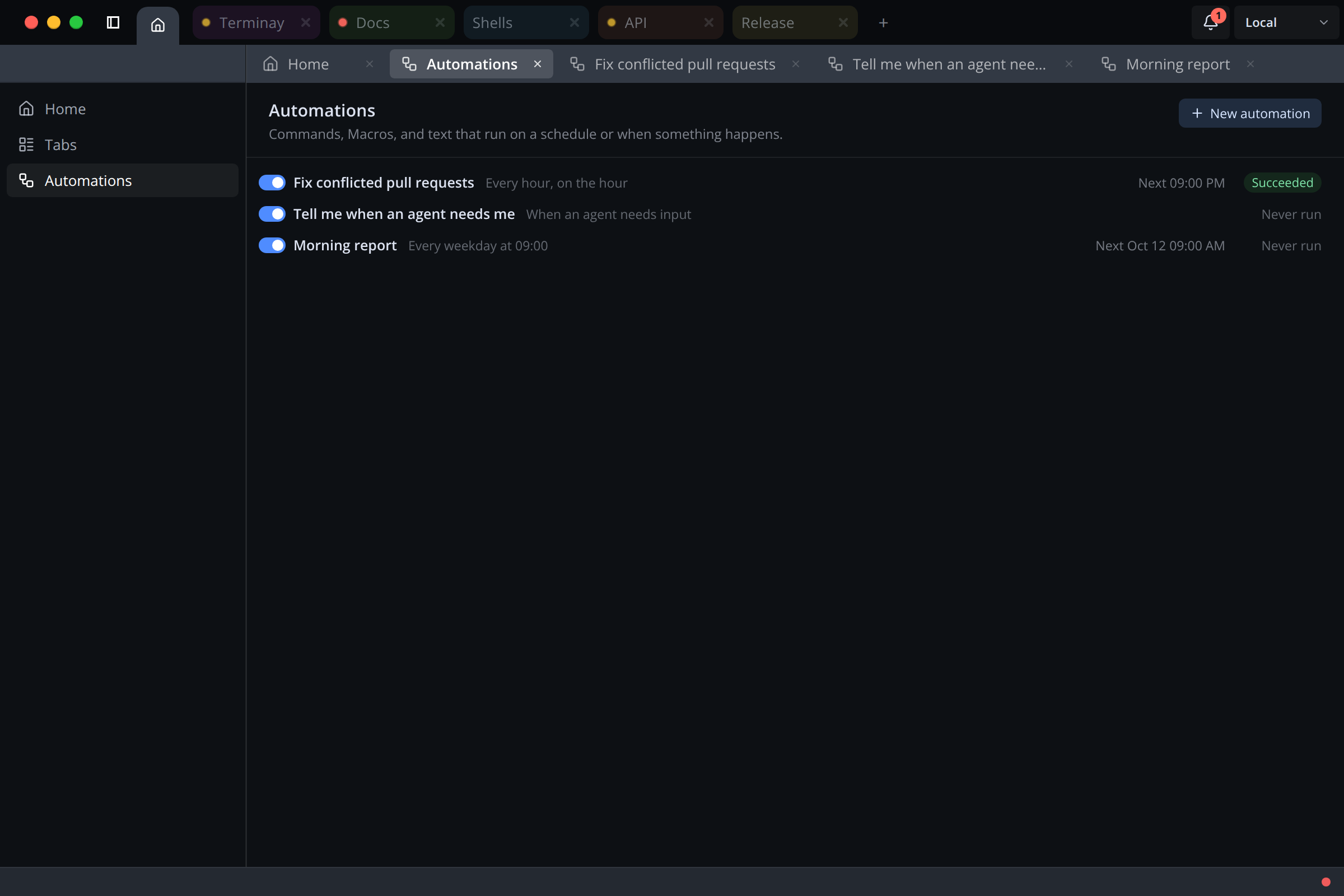
Run a command on a schedule, or react when an agent finishes, needs input, or a device connects.
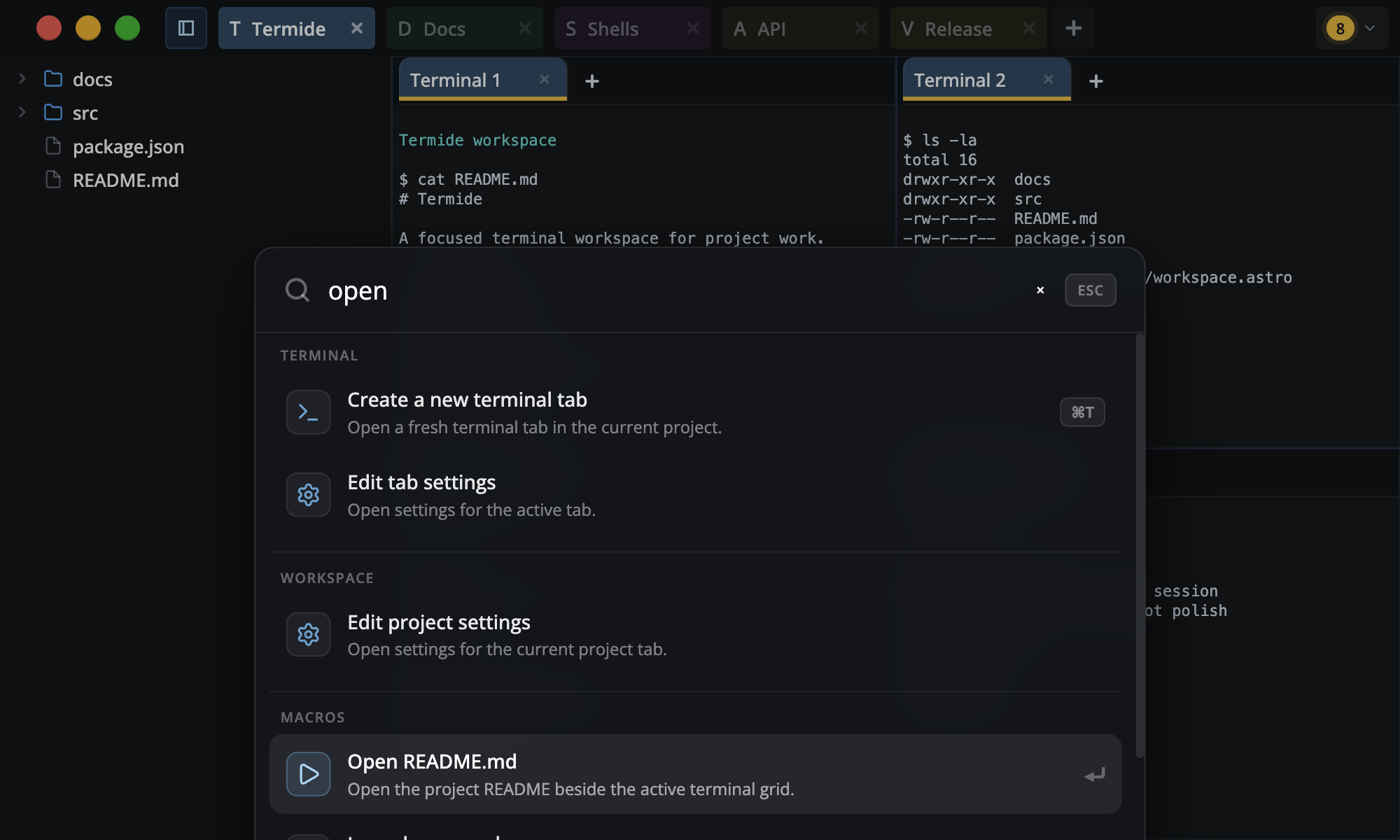
Search commands and macros from one keyboard-first launcher.
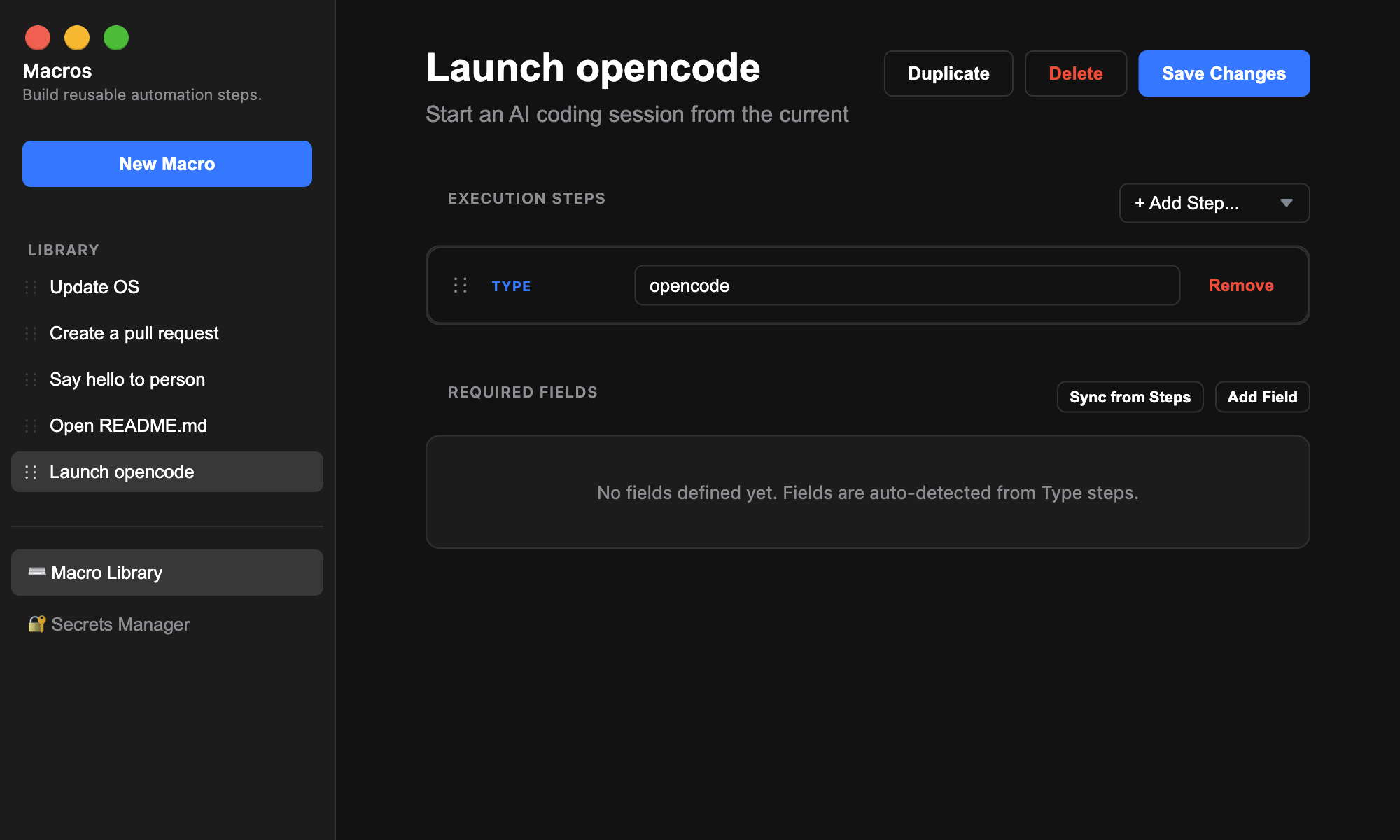
Build reusable terminal sequences with steps, prompts, waits, clipboard paste, and secrets.
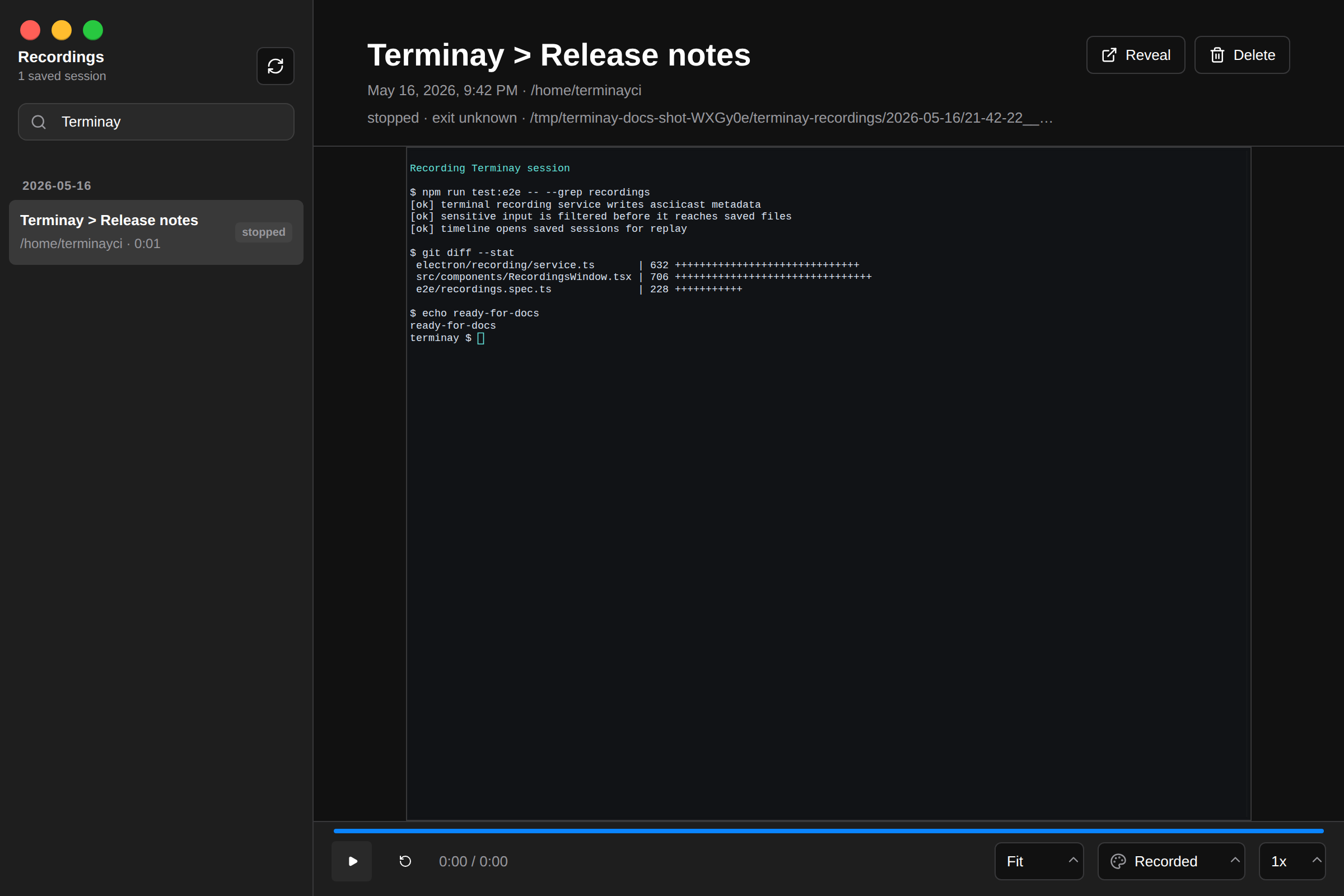
Save terminal sessions locally, then search, replay, reveal, or delete them from the timeline.
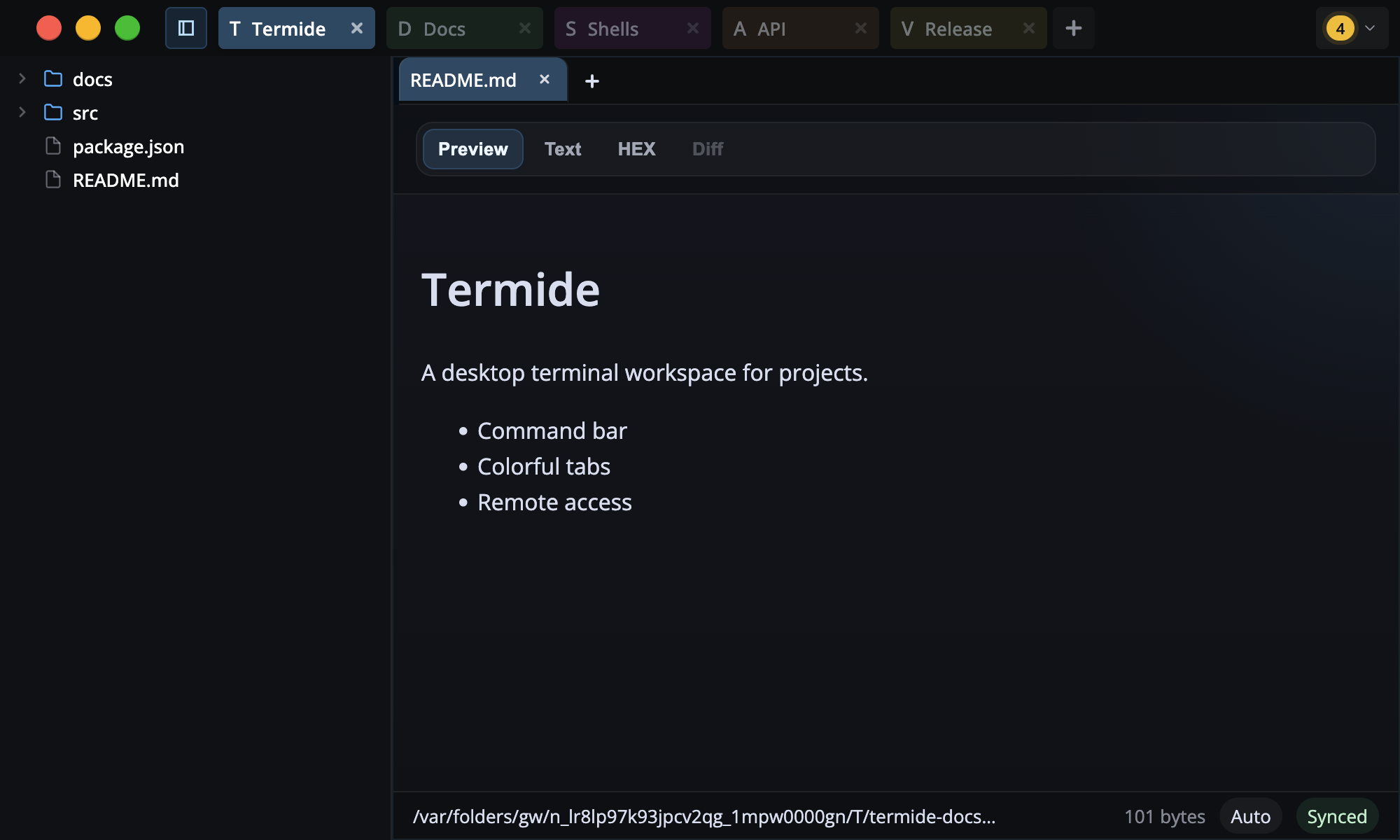
Open README files, previews, text buffers, diffs, PDFs, images, and folders beside terminals.
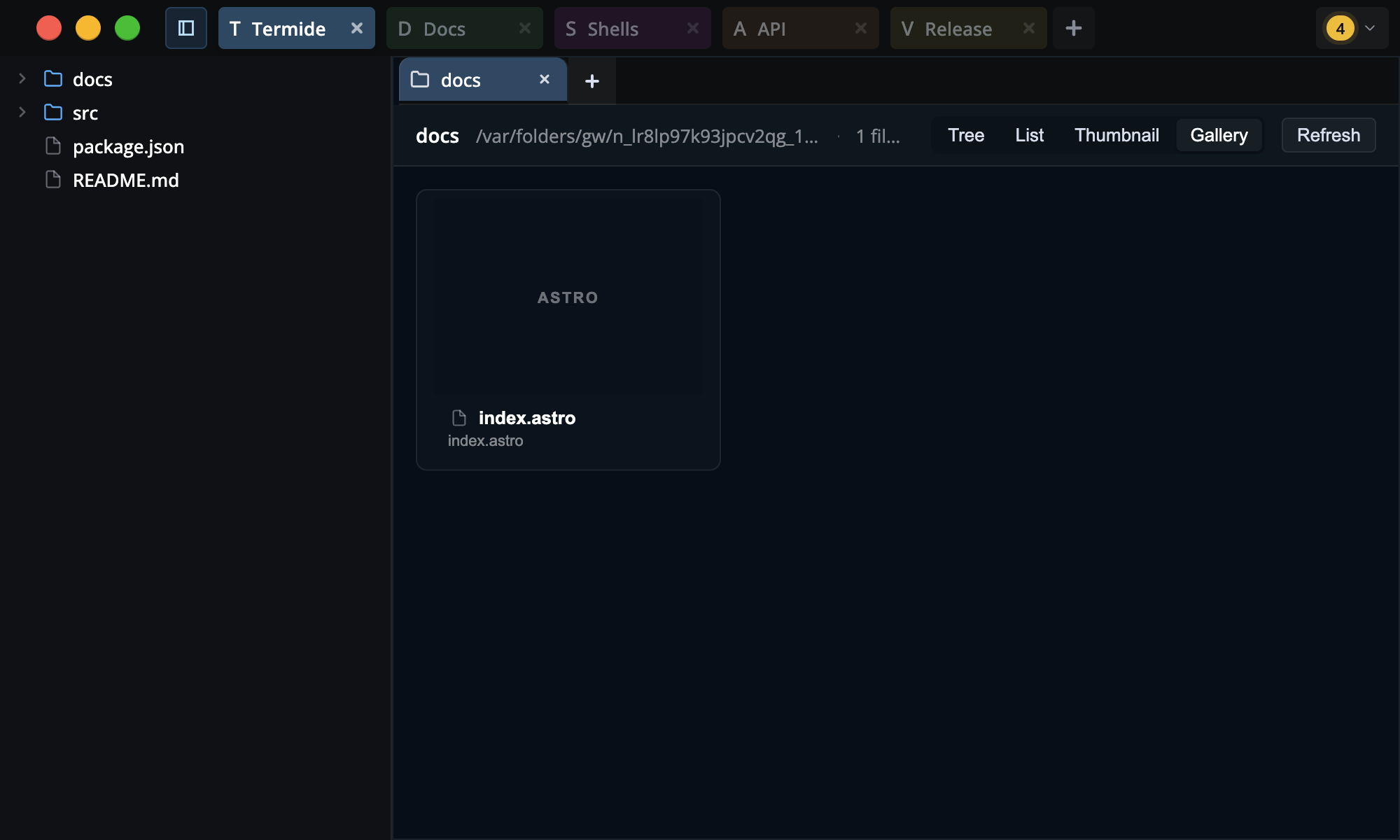
Browse folders as dockable tree, list, thumbnail, or gallery tabs.

Turn Markdown checklists into progress rings and Kanban boards, per file or aggregated across a folder.
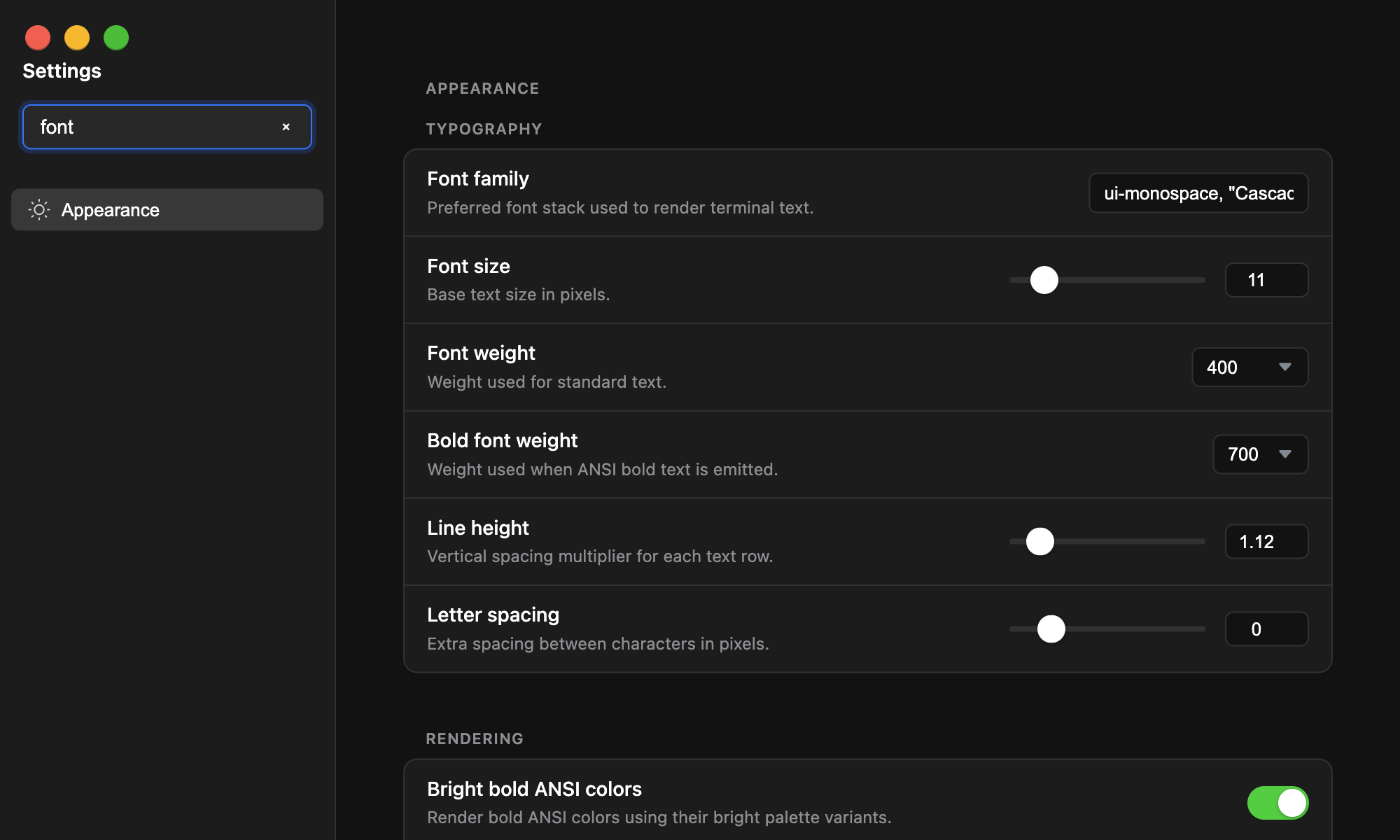
Search settings, adjust the shell, tune appearance, and preview terminal changes.
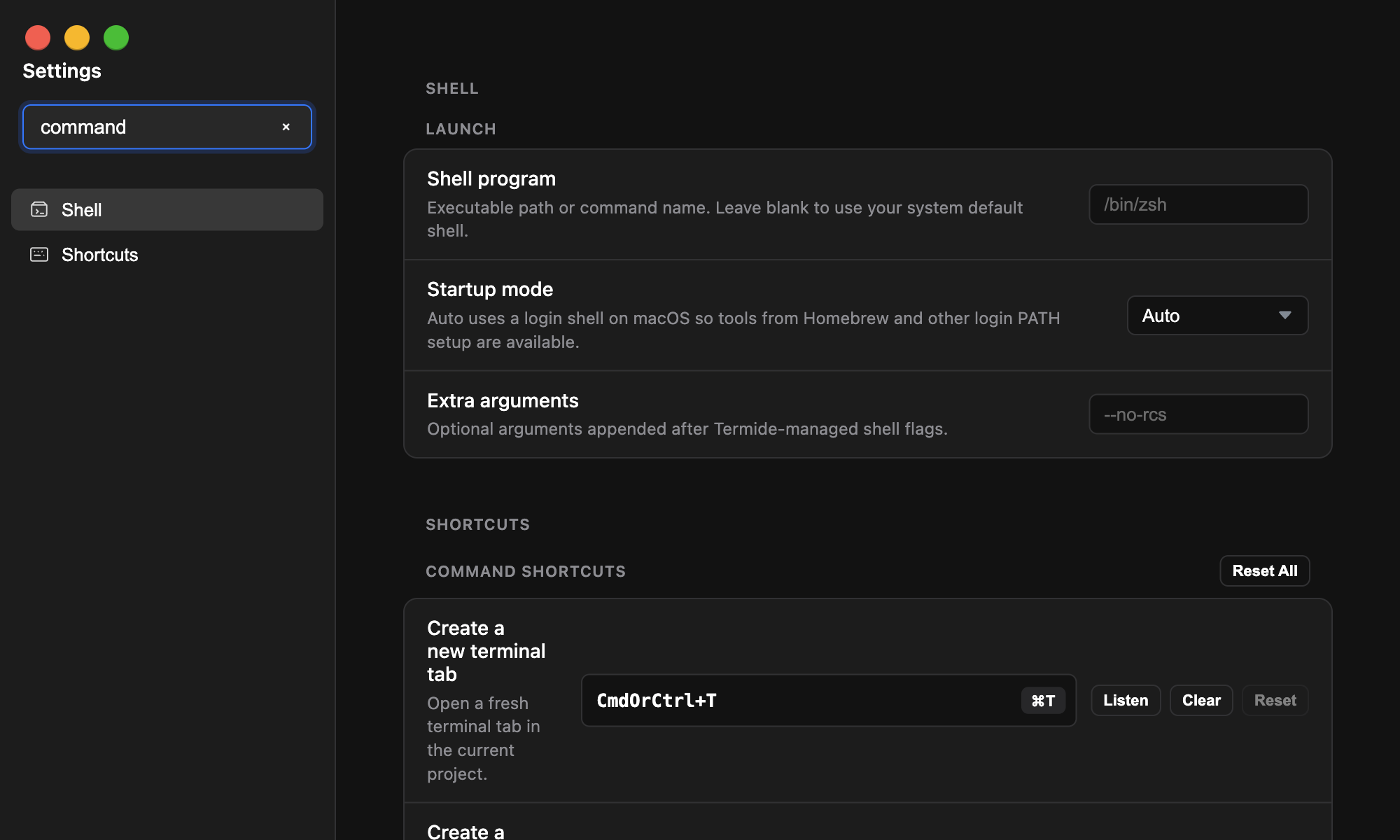
Capture, clear, reset, and inspect command shortcut conflicts.
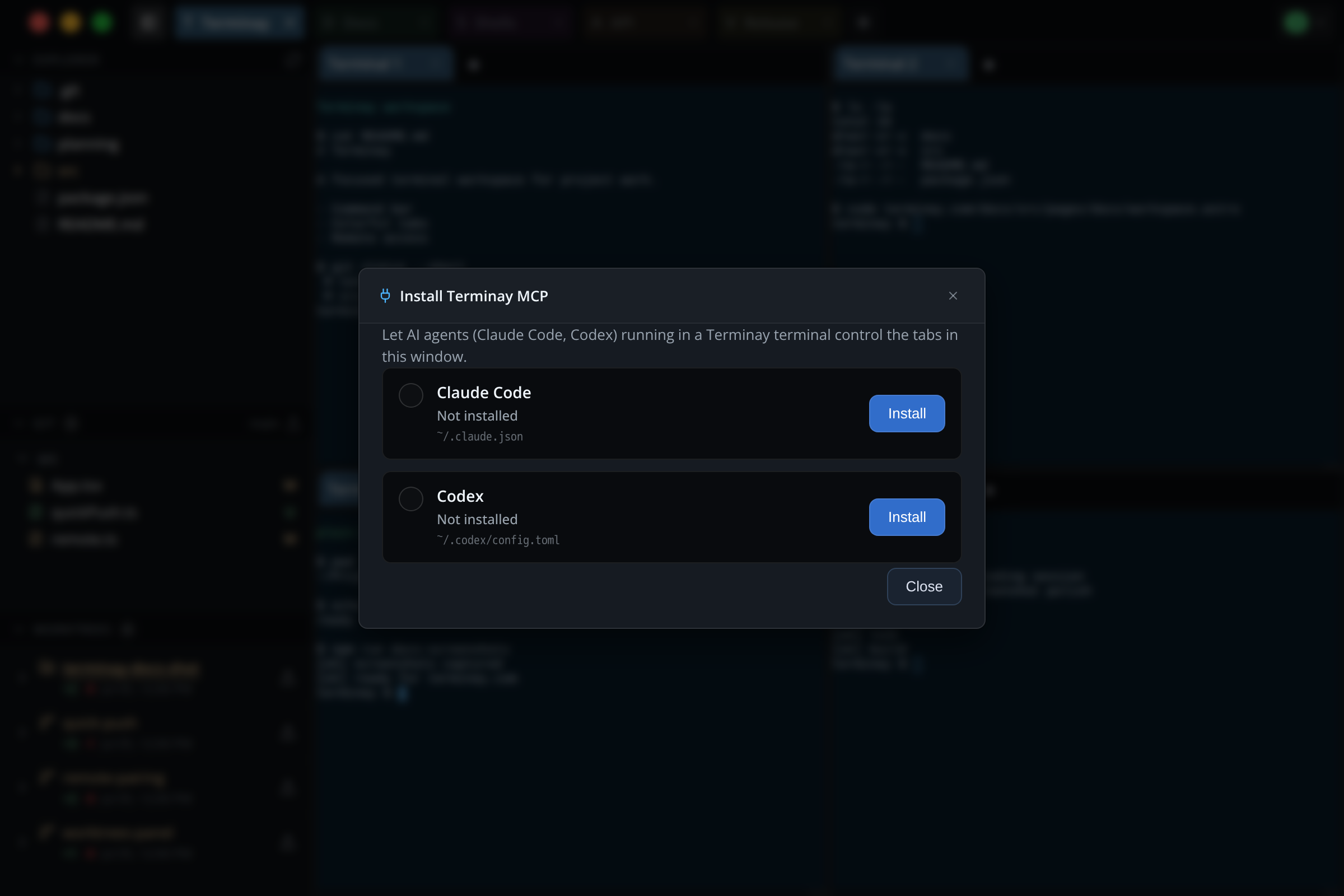
Register Terminay as an MCP server so agents can inspect and control sibling terminals, without installing hooks.
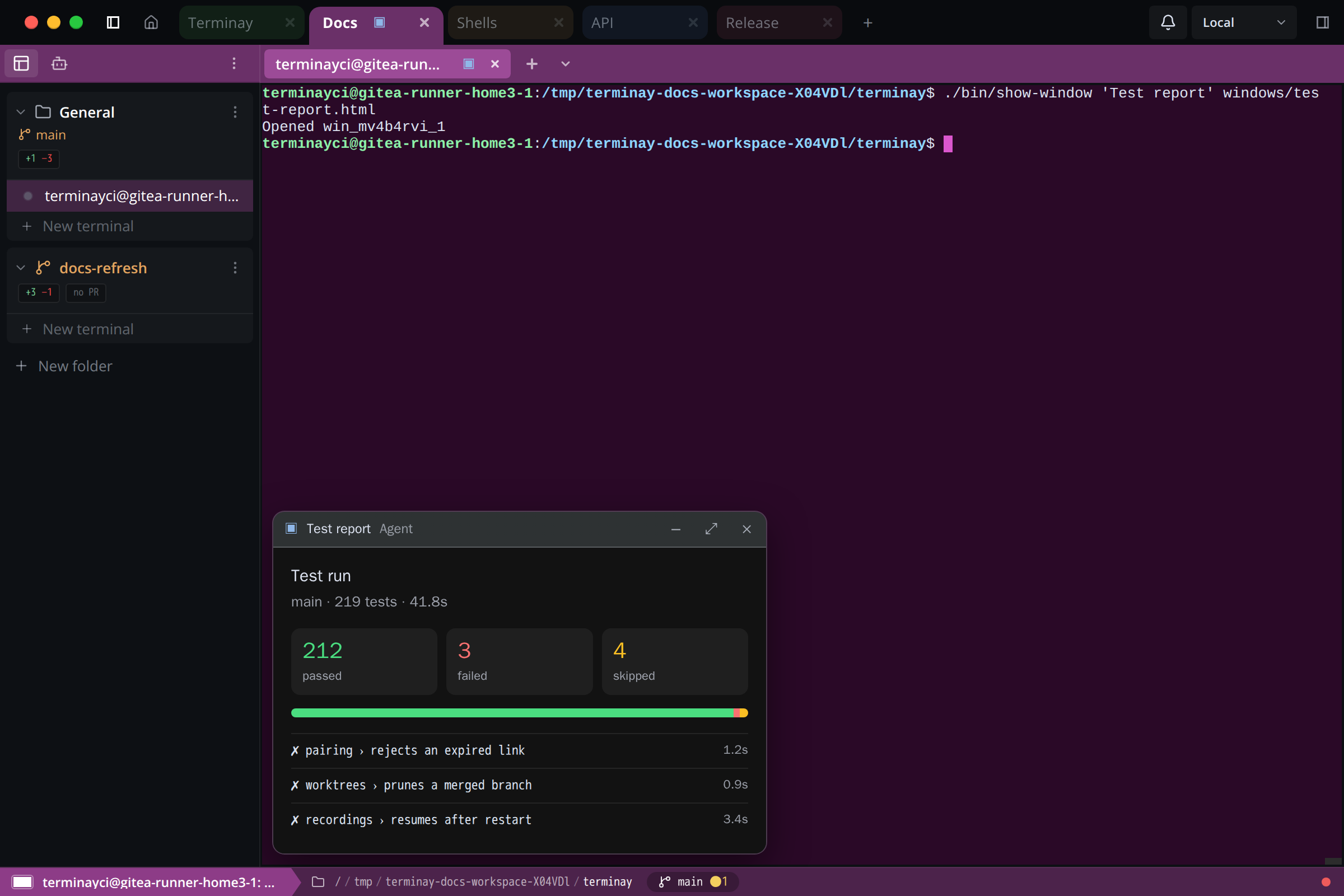
Let an agent or a script show an interactive HTML window inside its terminal: charts, forms, and previews.
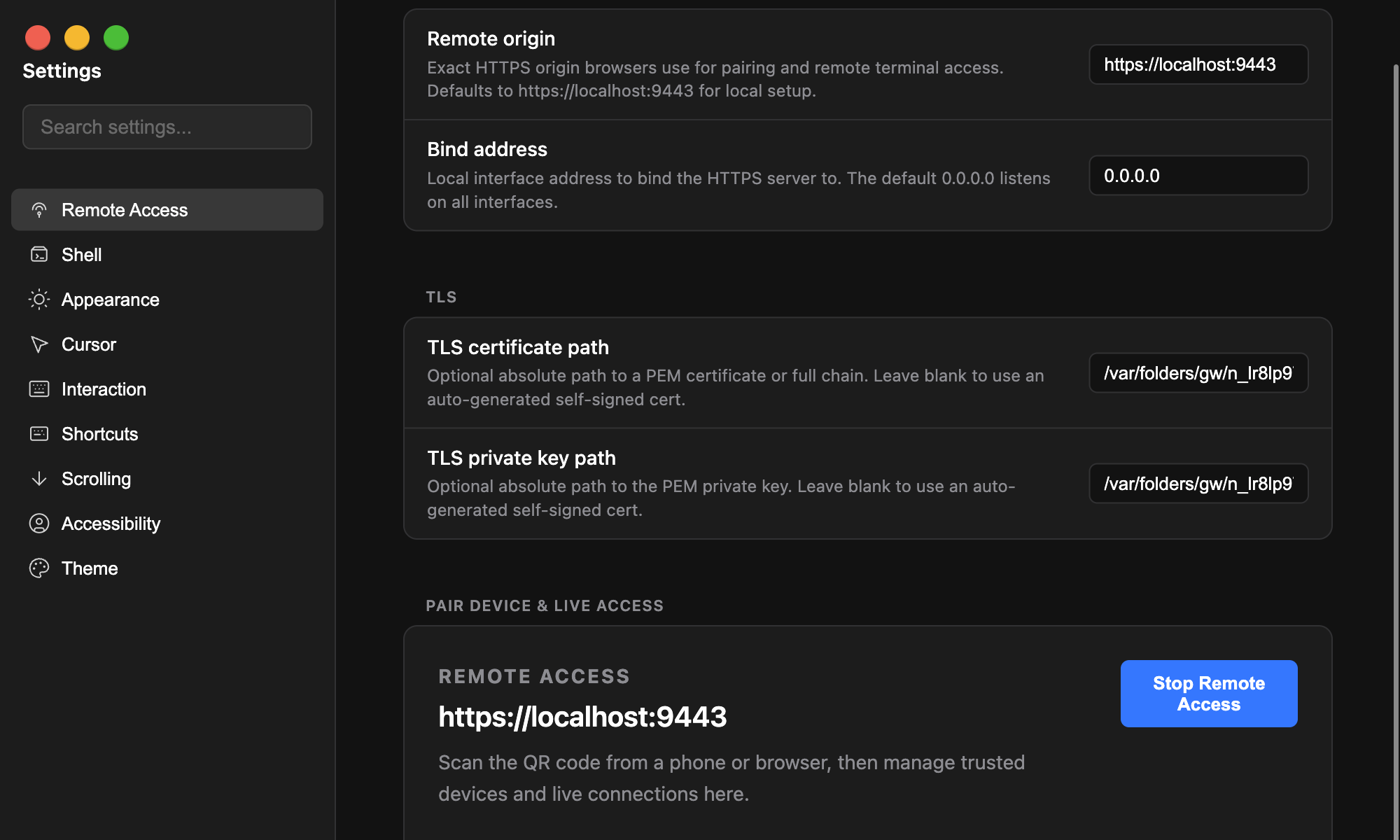
Pair a browser, manage trusted devices, and review live remote access state.
Fast path
The Command bar brings app commands and macros into one searchable surface. It covers terminal splits, file explorer actions, project-root changes, save commands, and the repeated moves that happen all day in a terminal workspace.
Remote access
Terminay generates a one-time pairing link for a browser, authenticates future visits with a device key, and carries remote workspace connections over WebRTC.
Download the latest release or build from source with the same scripts used by the automated docs screenshot workflow.