Documentation
Turn the Markdown and MDX already in your project into a focused, file-based documentation workspace with a browsable tree, rich editing, and automatic saving.
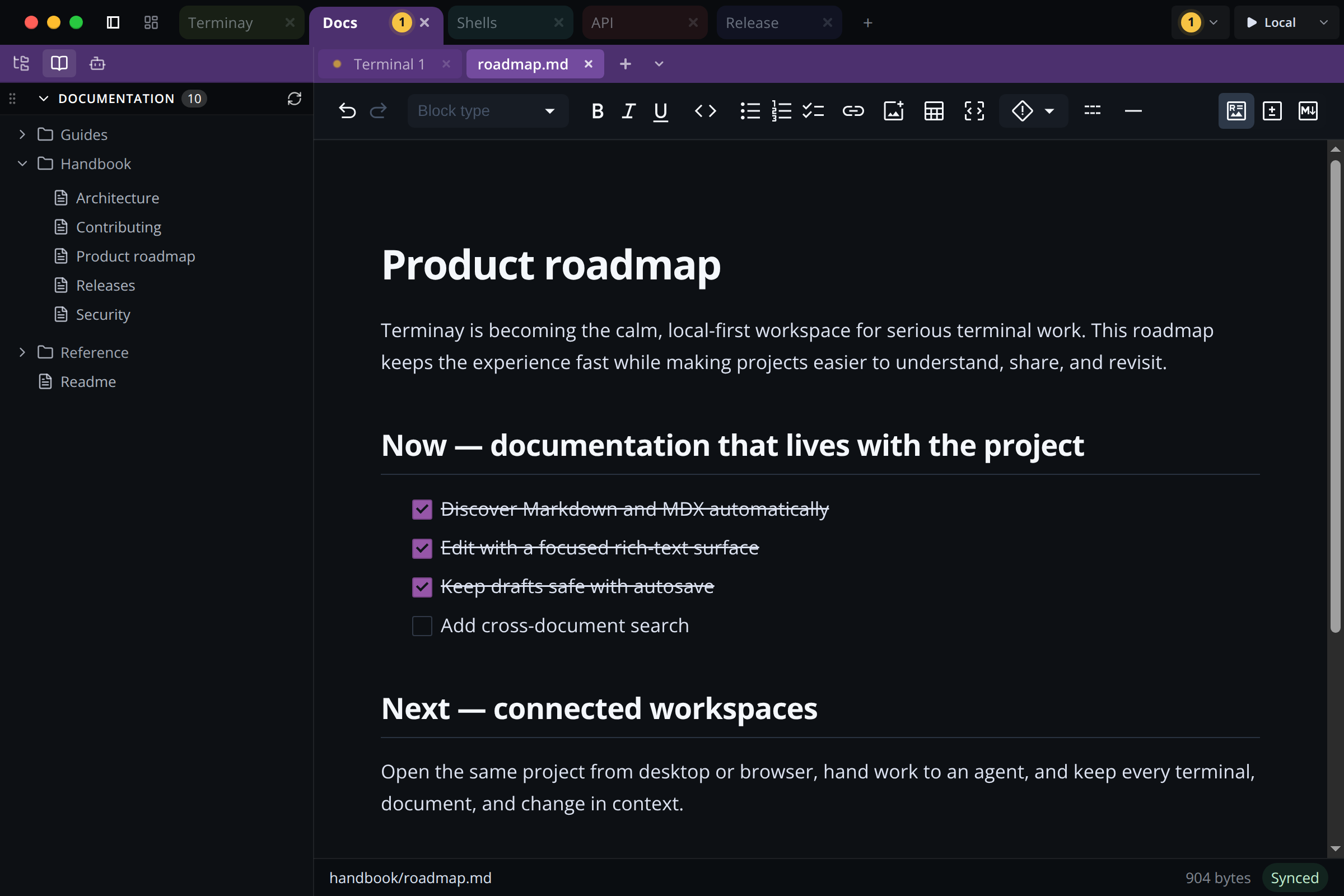
Browse Project Documentation
Expand the Documentation pane to find every .md and .mdx file beneath the project root. Terminay groups documents by folder, excludes dependency and generated-output directories, and refreshes the tree when files change.
YAML frontmatter can provide a document title. When no title is present, Terminay turns the filename into a readable title without renaming the underlying file.
Rich Markdown Editing
Open a document from the tree to edit it with headings, emphasis, lists, links, images, tables, code blocks, frontmatter, directives, and other Markdown and MDX constructs. The toolbar also switches between rich text, source, and diff modes.
Documentation tabs use the same canonical file session as the normal File Viewer, so opening the same document from another entry point focuses the existing file rather than creating a competing draft.
Autosave And Conflicts
Documentation edits save automatically after one second of inactivity. Terminay serializes saves, reports saving and conflict states, and keeps the draft available when a save fails or the file changes externally.
Switching between rich, source, and diff views does not itself rewrite the file. Normal File Viewer text editing keeps its existing explicit-save behaviour.
MDX Preview
MDX documents can compile project React and TypeScript components into an isolated browser preview. Preview code receives browser capabilities without gaining Node, Electron, terminal, secret, or unrestricted filesystem access.