Terminay MCP
Terminay MCP lets an AI agent running inside one Terminay tab inspect and control the other terminal tabs in the same workspace. It is separate from the Agents sidebar and never installs Codex or Claude Code hooks.
What It Does
The MCP server exposes terminal actions to tools such as Claude Code and Codex. An agent can list terminals, read recent output, run commands, type text, open or split a terminal, focus or rename a tab, close a tab, and wait for idle, command-complete, or attention events.
Tools are scoped to the workspace that contains the calling terminal. If an agent is running in a project tab, it can see sibling terminals for that project, but not terminals from other projects or other Terminay windows.
Install For Agents
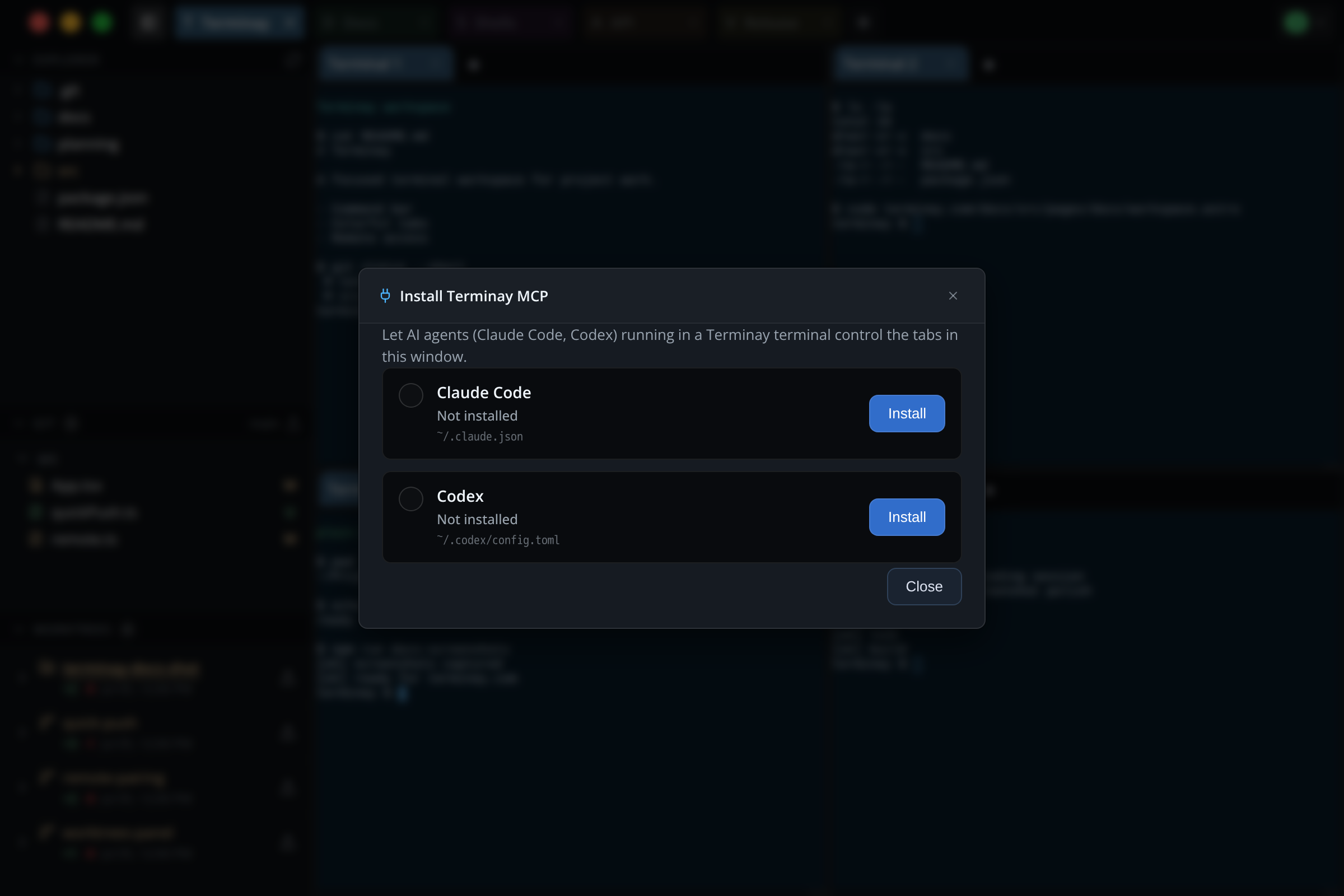
Open the Command Bar with Cmd/Ctrl+L, search for Install Terminay MCP, and open the installer. The modal shows supported agents, the config file Terminay will edit, and whether the terminay MCP server entry is already installed.
- Claude Code: Terminay adds or removes a
terminayentry undermcpServersin~/.claude.json. - Codex: Terminay adds or removes an
[mcp_servers.terminay]block in~/.codex/config.toml.
Install changes are local to your machine and add only the MCP server entry. Terminay does not install, modify, or depend on hooks. Restart the agent after installing if it does not pick up the new MCP server immediately.
If the existing Terminay entry has been changed outside Terminay, the installer marks it Changed — review config. It will not overwrite or remove that entry until you review the provider config yourself.
Independent From Agent Status
Installing MCP does not affect the Agents sidebar. Terminay detects Codex and Claude Code activity for the sidebar from their local journals and log files, not from hooks. You can install MCP for terminal control, use the sidebar without MCP, or use both independently.
Use From An Agent
Start Claude Code or Codex inside a Terminay terminal after the MCP server is installed. The agent can then call tools such as list_terminals, read_terminal, run_command, open_terminal, split_terminal, and wait_for_idle.
A useful pattern is to keep one tab for the agent and one or more tabs for app servers, tests, logs, or long-running tasks. The agent can start work in a sibling tab, watch output, and wait until the command is idle before continuing.
Security Model
Terminay uses a local-only control socket and a per-terminal capability token. The token is injected into terminals that Terminay spawns and anchors the request to that terminal's workspace. When an MCP client does not forward the token environment, Terminay can still resolve scope from the client process ancestry.
The MCP surface is intentionally terminal-only. It does not expose files, settings, recordings, remote access, or cross-window control. You can disable the local control server with Settings > AI > Enable Terminay MCP server.
Troubleshooting
- Agent cannot see terminals: start the agent inside a Terminay terminal, then restart it after installing the MCP server.
- No tools appear: reopen the installer and confirm the agent shows as installed.
- Wrong workspace: the visible terminal set is based on the terminal where the agent is running, not the currently focused Terminay tab.
- Control disabled: open Settings and make sure Enable Terminay MCP server is enabled.
- Changed — review config: Terminay found an MCP entry that differs from the one it installed. Review the entry in the listed provider config file before changing it.